What is IPTV Smarters Pro?
IPTV Smarters Pro is one of the most popular IPTV players available for Android, Firestick, Smart TVs, Windows, and iOS devices. However, the app itself doesn’t include any channels—you need to add an M3U playlist from your IPTV provider to access live TV, movies, and series.
In this comprehensive guide, you’ll learn everything about getting an M3U link and setting it up on IPTV Smarters Pro, step by step, on any device.
Understanding M3U Playlists
An M3U playlist is a URL file format that contains links to IPTV channels, video-on-demand (VOD) movies, and TV series. When you add an M3U playlist to an IPTV app like IPTV Smarters Pro, it automatically loads all available content from your IPTV provider.
What’s Included in M3U Playlists
A typical M3U playlist from a quality IPTV provider includes:
- Live TV Channels - Sports, news, entertainment, international channels
- Movies (VOD) - On-demand movie library
- TV Series - Complete seasons and episodes
- EPG (Electronic Program Guide) - TV guide showing what’s playing
- Catch-up TV - Watch previously aired content
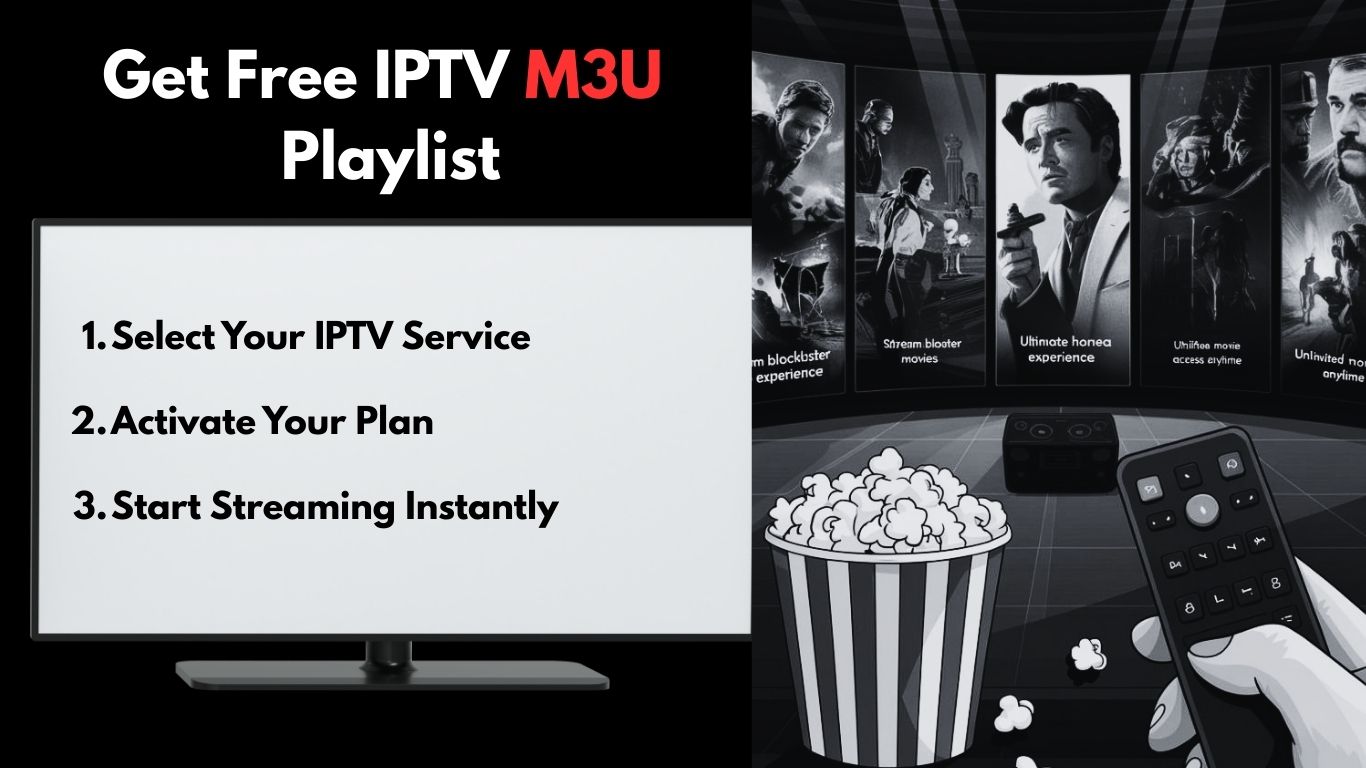
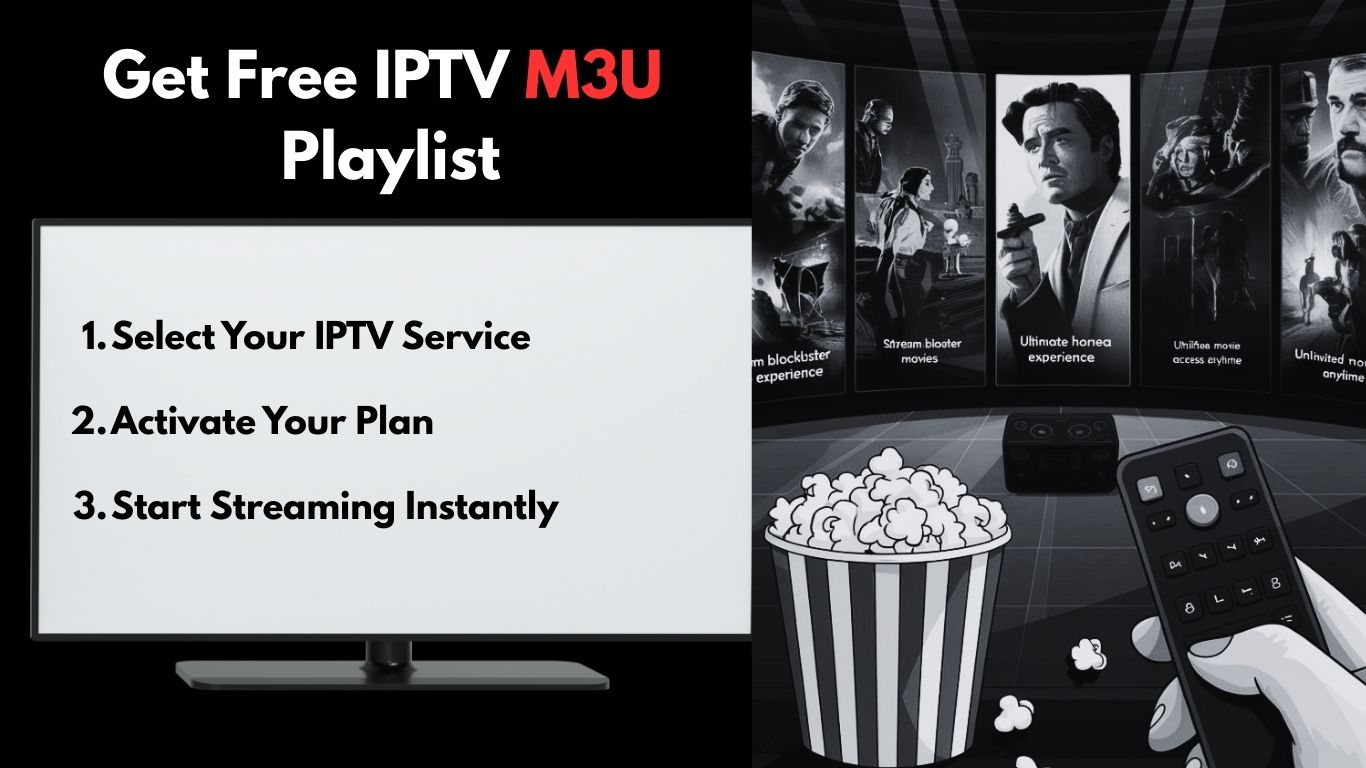
How to Get a Free M3U Playlist
There are several ways to obtain an M3U playlist, but the safest and most reliable method is through a verified IPTV provider that offers stable service with complete login credentials.
Getting Your M3U URL
The best approach is to use a trusted IPTV provider that delivers:
- Xtream Codes Login - Server URL, username, and password
- M3U Playlist URL - Direct playlist link
- EPG URL - Electronic Program Guide for channel information
Many providers offer free trials that are delivered automatically within minutes, allowing you to test the service before committing.
Step-by-Step: Adding M3U to IPTV Smarters Pro
Follow these simple steps to add your M3U playlist to IPTV Smarters Pro on any device. For detailed installation instructions on Android devices, visit our IPTV Smarters Pro Android Setup Guide.
Prerequisites
Before starting, make sure you have:
- IPTV Smarters Pro installed on your device
- A valid M3U playlist URL from your IPTV provider
- Stable internet connection (minimum 10 Mbps recommended)
Setup Instructions
Step 1: Open IPTV Smarters Pro
Launch the app on your device. You’ll see the main login screen with different options.
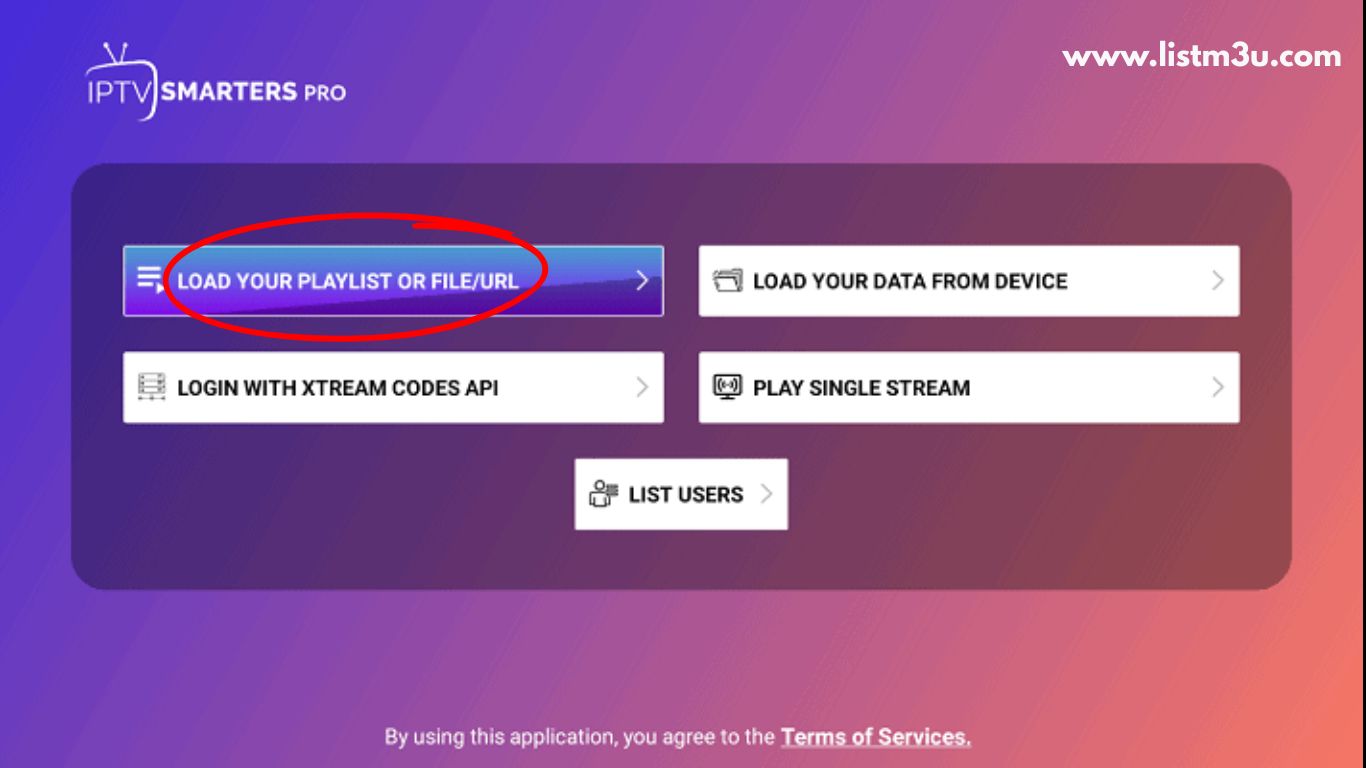
Step 2: Select M3U Playlist Option
Click on “Load Your Playlist or File/URL” button. This option allows you to add playlists using an M3U URL.
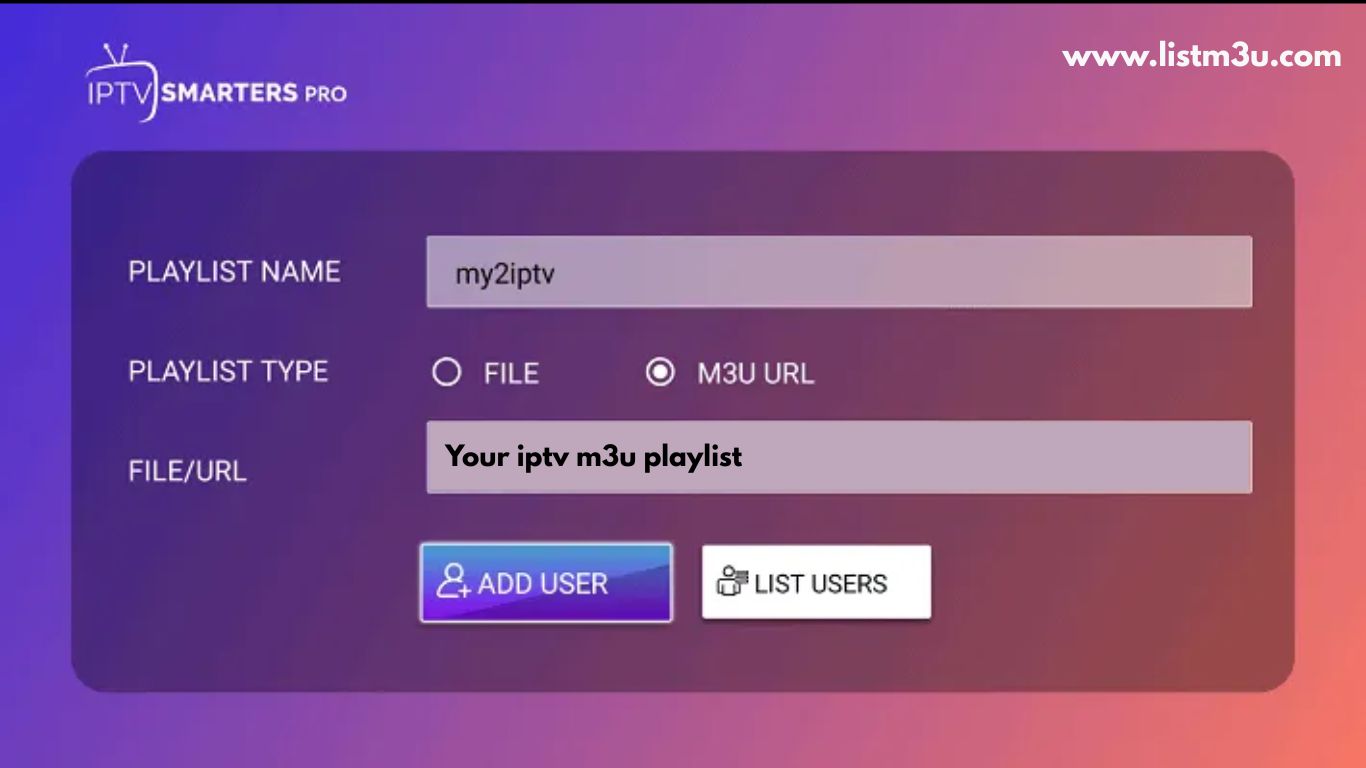
Step 3: Enter Playlist Details
- Playlist Name: Give your playlist a recognizable name (e.g., “My IPTV”)
- M3U URL: Paste your M3U playlist URL from your provider
- Click “Add User” to save
Step 4: Wait for Loading
The app will now load all channels and content from your M3U playlist. This may take 30-60 seconds depending on the playlist size.
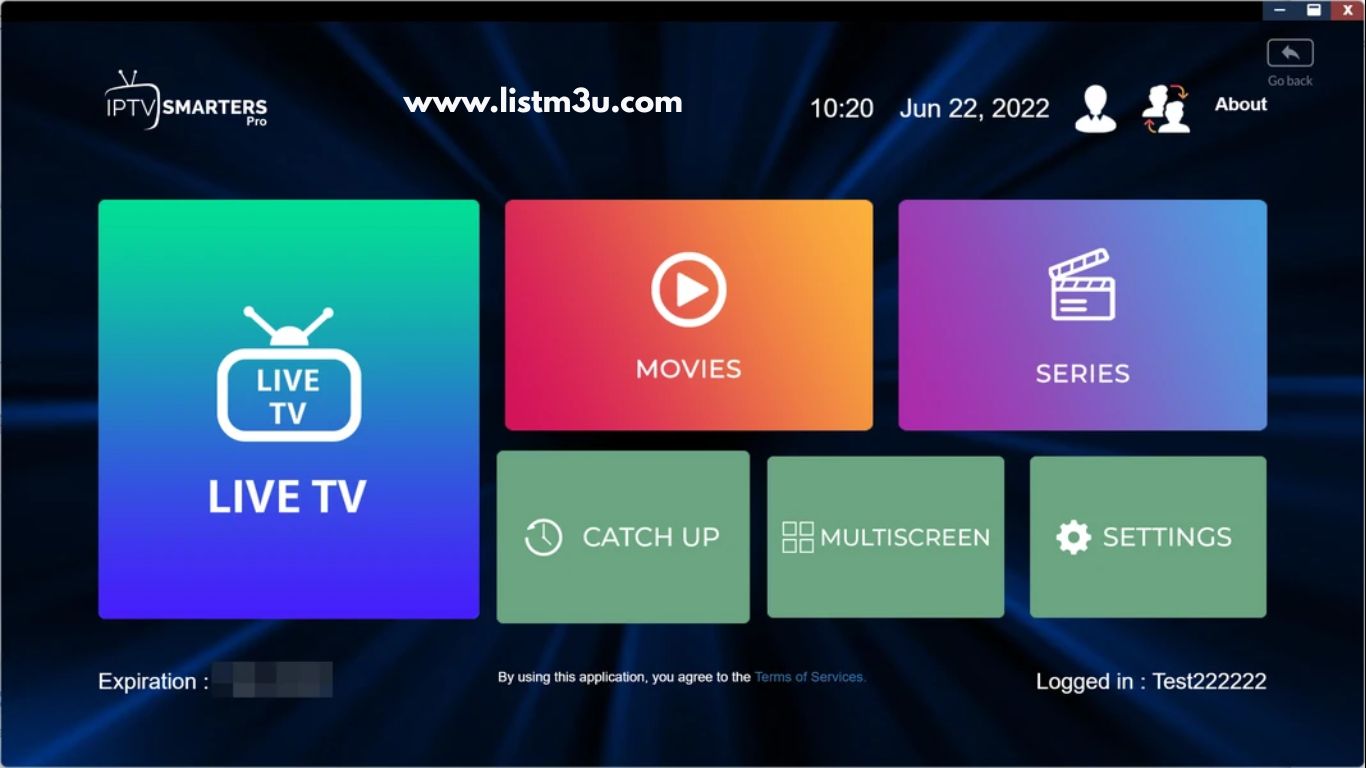
Step 5: Start Watching
Once loaded, you’ll see all your channels organized by categories. Browse and enjoy your content!
M3U vs Xtream Codes: Which is Better?
IPTV Smarters Pro supports two main login methods, each with its own advantages.
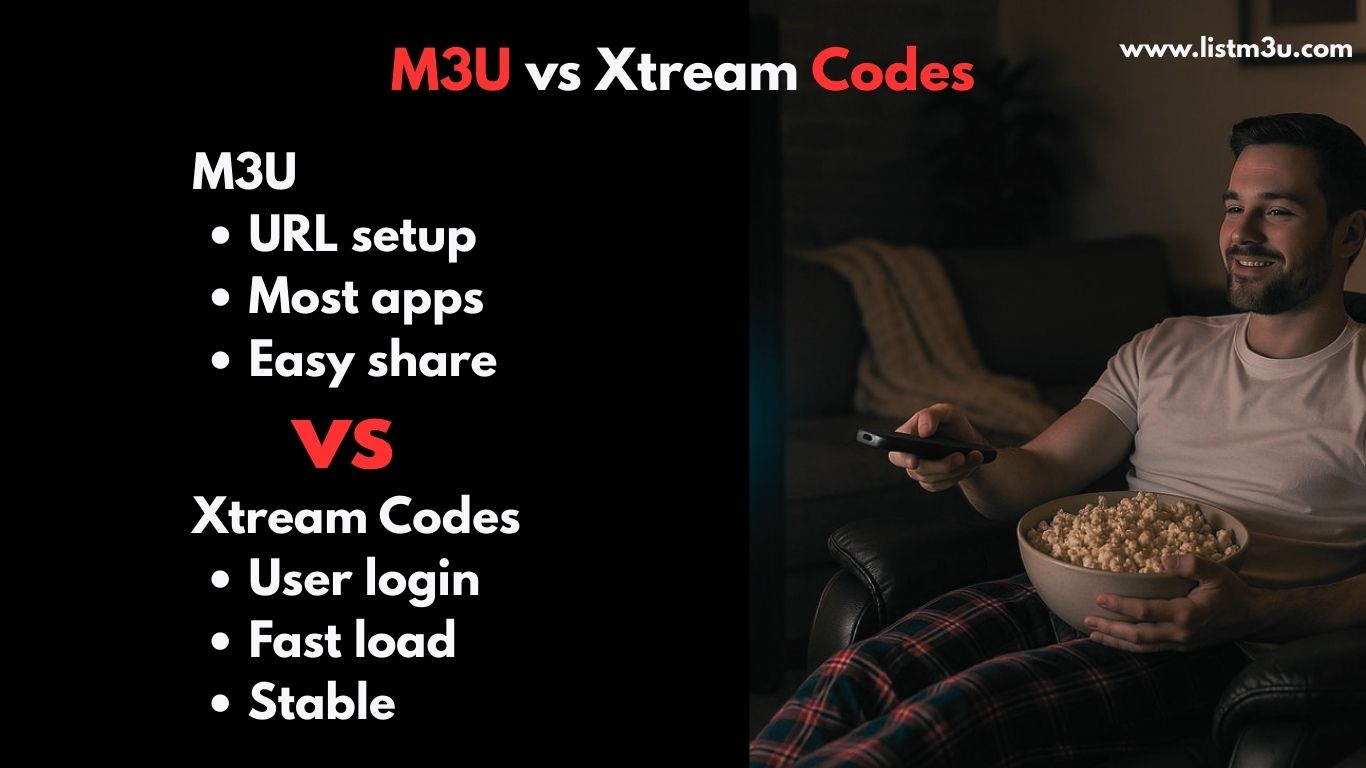
M3U Playlist Method
Advantages:
- Uses a single playlist URL
- Works on almost all IPTV apps
- Easy to share and set up
- Simple for beginners
Best For: Users who want quick setup and maximum compatibility
Xtream Codes Method
Advantages:
- Uses server URL + username + password
- Faster loading for large playlists
- More secure and stable connection
- Better EPG integration
Best For: Users who prioritize performance and security
Which Should You Choose?
Both methods work perfectly in IPTV Smarters Pro. Choose based on what your IPTV provider offers and your personal preference. If your provider gives you both options, try Xtream Codes first for better performance.
Best Alternative IPTV Players
While IPTV Smarters Pro is excellent, here are other top-rated IPTV players that support M3U playlists:
1. TiviMate
One of the best IPTV players for Android TV and Firestick, offering a premium interface and exceptional performance.
Key Features:
- Beautiful, modern interface
- Recording capabilities
- Multiple playlist support
- Excellent EPG integration
2. IBO Player
A powerful IPTV player designed for Smart TVs with smooth navigation and reliable M3U support.
Key Features:
- Smart TV optimized
- User-friendly interface
- Stable streaming
- Regular updates
3. XCIPTV Player
A fast and modern IPTV player that works seamlessly with both M3U and Xtream Codes on Android and Firestick.
Key Features:
- Fast channel switching
- Clean interface
- Multi-device support
- Parental controls
4. VLC Media Player
A universal media player that supports M3U playback on virtually every platform including Windows, Mac, Linux, and Android.
Key Features:
- Completely free
- Cross-platform
- No ads
- Supports all formats
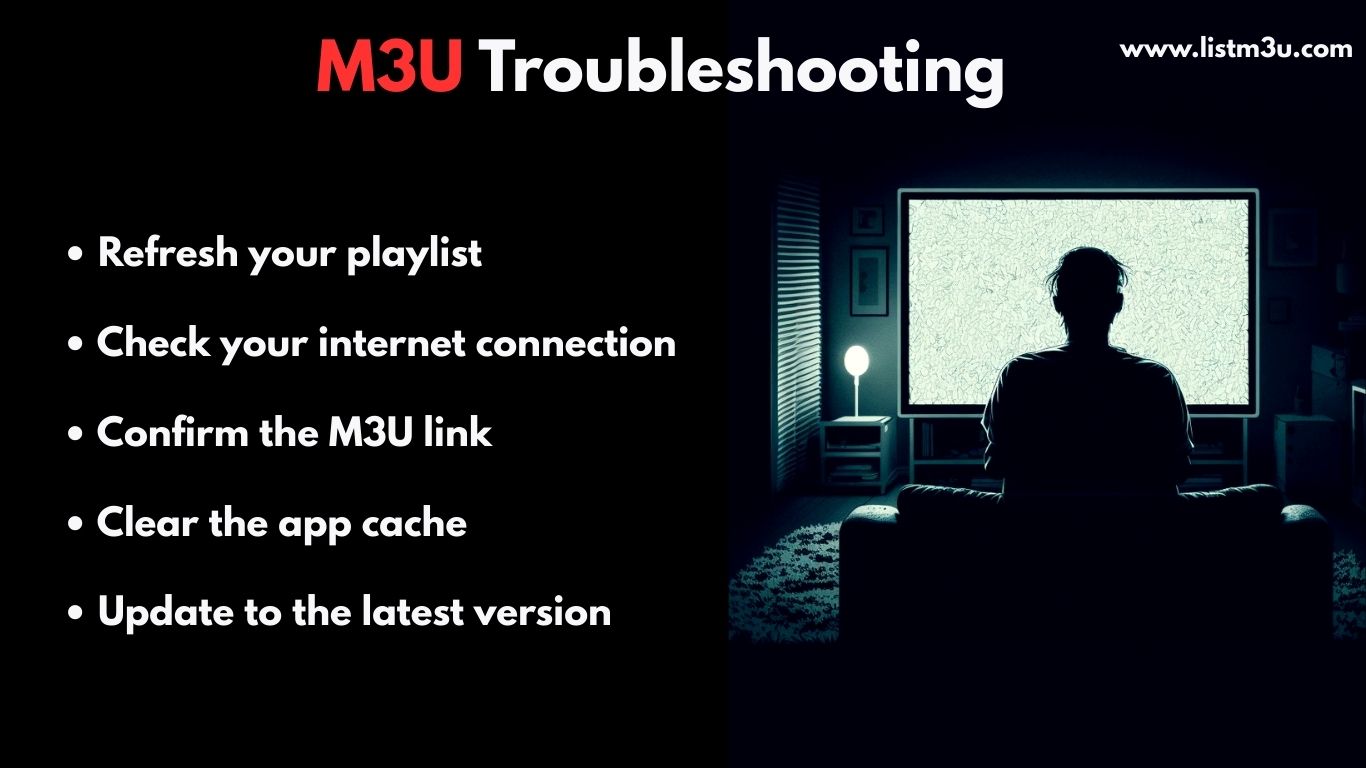
Troubleshooting Common M3U Issues
Having problems with your M3U playlist in IPTV Smarters Pro? Here are solutions to the most common issues.
M3U Playlist Not Loading
Possible Causes:
- Incorrect URL with extra spaces
- Expired subscription
- Server issues
Solutions:
- Double-check your M3U URL for typos or extra spaces
- Verify your IPTV subscription is still active
- Restart the app and your device
- Test your internet connection
- Contact your IPTV provider for a fresh M3U link
Channels Not Showing Up
Solutions:
- Go to Settings → Reload Playlist
- Update IPTV Smarters Pro to the latest version
- Clear app cache and data
- Re-add the M3U playlist
- Contact your provider to refresh your account
Buffering and Freezing Issues
Common Causes:
- Slow internet connection
- Server overload
- VPN interference
Solutions:
- Test your internet speed (need minimum 10-20 Mbps)
- Switch from WiFi to Ethernet cable
- Close other apps using bandwidth
- Try a different server if available
- Disable VPN unless required by your provider
- Reduce video quality in app settings
Tips for Best Performance
Follow these tips to get the best experience with IPTV Smarters Pro:
Connection Tips
- Use wired Ethernet connection when possible
- Ensure minimum 10 Mbps internet speed
- Close background apps consuming bandwidth
App Settings
- Enable hardware acceleration in settings
- Adjust buffer size if experiencing lag
- Use external player (VLC or MX Player) for better codec support
Maintenance
- Update the app regularly
- Clear cache weekly
- Refresh playlist monthly
Conclusion
IPTV Smarters Pro is an excellent IPTV player that works seamlessly with M3U playlists across all major devices. By following this guide, you can easily set up your M3U playlist and enjoy smooth streaming of live TV, movies, and series.
Remember to use a reliable IPTV provider with quality M3U playlists for the best experience. With proper setup and a stable internet connection, IPTV Smarters Pro delivers an outstanding IPTV viewing experience.
Frequently Asked Questions
Is IPTV Smarters Pro legal?
Yes, IPTV Smarters Pro itself is completely legal—it's just a media player application. The legality depends entirely on the IPTV service and content you use with it. Always use legal IPTV services and avoid pirated content.
What is the best M3U playlist for IPTV Smarters Pro?
The best M3U playlist comes from a reputable IPTV provider that offers stable servers, regular updates, good channel selection, and reliable customer support. Look for providers with positive reviews and free trials to test before purchasing.
Can I use a free M3U playlist on IPTV Smarters Pro?
Yes, you can use free M3U playlists, but they often have limitations like fewer channels, frequent buffering, broken links, and no customer support. For a reliable experience, consider a paid IPTV service with quality M3U playlists.
What's better for IPTV Smarters Pro: M3U or Xtream Codes?
Xtream Codes is generally better for performance as it offers faster loading, better EPG integration, and more stable connections. However, M3U is easier to set up and works on more devices. If your provider offers both, try Xtream Codes first.
Why is my M3U not working in IPTV Smarters Pro?
Common reasons include: expired subscription, incorrect URL format, server issues from your provider, or poor internet connection. Check your URL for errors, verify your subscription status, restart the app, and contact your provider if issues persist.
Do I need a VPN to use M3U on IPTV Smarters Pro?
A VPN is not required but may be recommended depending on your location and IPTV provider. Some providers suggest using a VPN for privacy and to bypass geo-restrictions. However, VPNs can sometimes slow down your connection, so only use one if necessary.
How many devices can I use with one M3U playlist?
This depends on your IPTV provider's policy. Most providers allow 1-5 simultaneous connections per subscription. Check with your provider for specific device limits and multi-device options.
Can I record shows with IPTV Smarters Pro?
Yes, IPTV Smarters Pro supports recording on some devices (mainly Android TV and Firestick). However, this feature may require the premium version of the app and sufficient storage space on your device.