How to Fix IPTV Playlist Errors Step by Step
M3U playlists have become the standard format for streaming IPTV content across popular applications like VLC Media Player, IPTV Smarters Pro, TiviMate, and various Smart TV platforms. However, users frequently encounter frustrating issues ranging from playlists failing to load, persistent buffering, to complete playback failures. This comprehensive troubleshooting guide identifies the most common reasons M3U playlists malfunction and provides detailed, step-by-step solutions that work across all devices and IPTV applications.
What Is an M3U Playlist?
An M3U playlist functions as a structured text file or web URL containing direct streaming links to live television channels, video-on-demand content, and complete series libraries. Your IPTV application parses this file to populate its channel list and enable content playback. Understanding this fundamental structure helps diagnose why playlists sometimes fail to function properly.
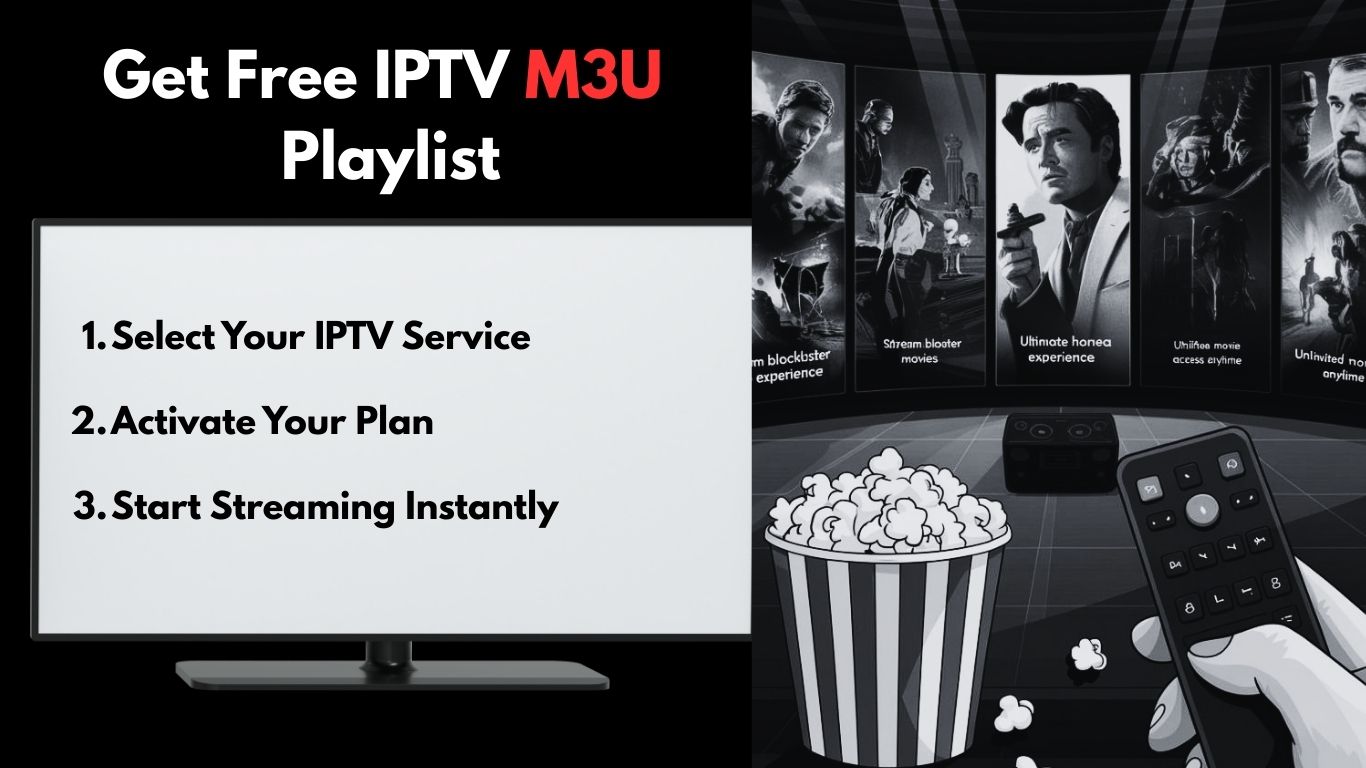
Common Reasons M3U Playlists Stop Working
Before diving into solutions, it’s essential to understand the typical causes behind M3U playlist failures:
- Expired or disabled M3U URL - Your IPTV subscription may have lapsed or been deactivated
- Incorrect copy-paste of the playlist link - Extra spaces, missing characters, or formatting errors
- IPTV server downtime - Provider maintenance or technical issues
- Internet connection problems - Insufficient bandwidth or network instability
- App compatibility issues - Outdated software or unsupported playlist formats
- Device or IP restrictions - Geographic limitations or device authorization problems
How to Get Free M3U Playlist
Obtaining a legitimate M3U playlist requires partnering with reputable IPTV service providers who maintain reliable server infrastructure. The most effective approach involves selecting established services that provide instant credential delivery and comprehensive technical support.
Get M3U in One Second
Modern IPTV providers have streamlined their signup processes, delivering M3U playlist credentials within seconds of registration. Many services offer complimentary trial periods, allowing you to evaluate channel quality and streaming stability before committing to a paid subscription.
What IPTV Provider Will Give You
Professional IPTV providers deliver a complete package of credentials and resources:
- Xtream Codes authentication - Server address, username, and password credentials
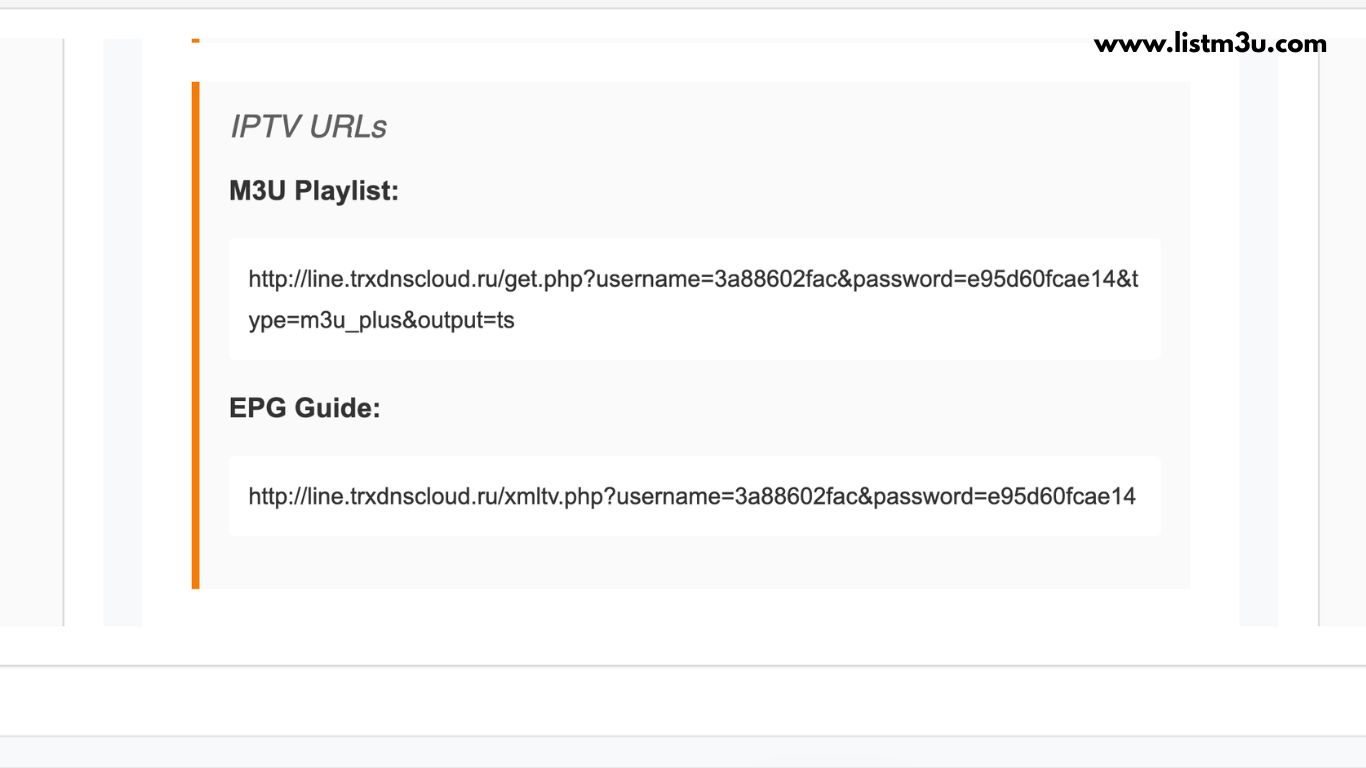
- M3U playlist link - Direct URL to your complete channel lineup
- EPG (TV Guide) link - Program scheduling and show information
M3U Playlist Not Loading – How to Fix It
When your IPTV application displays “playlist failed to load” or remains indefinitely stuck on the loading screen, the problem typically stems from issues with the M3U link itself, accumulated app cache, or fundamental compatibility problems between your playlist format and the application.
Check the M3U URL Carefully
Incorrect or corrupted M3U links represent the most frequent cause of loading errors. These issues often arise from extra whitespace characters, improper URL formatting, or expired subscription URLs that no longer point to active content servers.
Solution Steps:
- Copy the M3U URL directly from your provider’s email or dashboard
- Paste into a text editor first to check for extra spaces or line breaks
- Ensure the URL starts with
http://orhttps:// - Verify the URL includes all required parameters (username, password, etc.)
- Test the URL in a web browser to confirm it’s accessible
- Contact your provider if the URL appears broken or returns errors
Restart Your IPTV App and Device
Restarting your application and device clears temporary system glitches and refreshes the connection pathway between your hardware, IPTV software, and the remote content server. This simple action resolves a surprising number of loading issues.
Solution Steps:
- Force close your IPTV application completely
- Clear the app’s cache through device settings (if available)
- Restart your streaming device (Smart TV, Firestick, Android box, etc.)
- Restart your router/modem to refresh network connection
- Reopen the IPTV app and try loading the playlist again
Test the Playlist on Another App
Attempting to load the same M3U playlist in a different IPTV application helps isolate whether the problem originates from app-specific compatibility issues or from the playlist file itself. This diagnostic step quickly narrows down the troubleshooting path.
Solution Steps:
- Download an alternative IPTV player (VLC, IPTV Smarters, TiviMate)
- Add your M3U URL to the new application
- If it works: The original app may need updating or reinstalling
- If it fails: The problem likely lies with the M3U URL or your subscription
- Contact your IPTV provider with specific error messages
M3U vs Xtream Codes
M3U and Xtream Codes represent the two primary authentication methods for accessing IPTV services, each providing distinct advantages for loading live television, video-on-demand libraries, and electronic program guide data based on your provider’s infrastructure and your technical preferences.
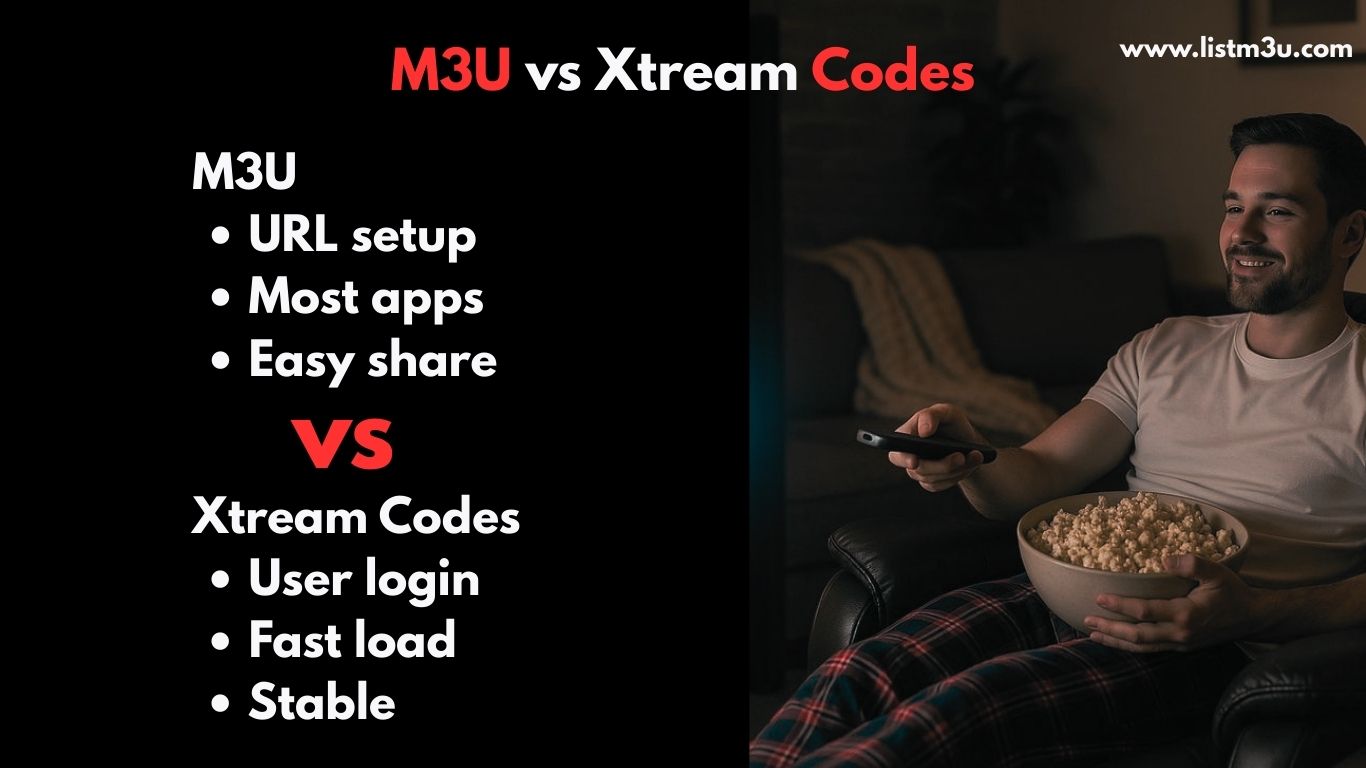
M3U Playlist
- Operates through a single playlist URL
- Compatible with virtually all IPTV applications
- Simple configuration process
- Ideal for newcomers to IPTV
- Requires manual refresh when provider updates content
Xtream Codes
- Utilizes server URL combined with username and password
- Optimized performance for extensive channel libraries
- Enhanced security through encrypted authentication
- Automatic synchronization of content updates
- Superior EPG data integration
Which One to Choose?
Both authentication methods deliver reliable performance, allowing you to select the option that best aligns with your IPTV provider’s offerings and your technical comfort level. Many premium providers support both formats, providing flexibility to switch if your needs evolve.
Best IPTV Players for M3U
Selecting the optimal IPTV player significantly impacts your M3U playlist’s performance, streaming smoothness, and overall user experience. Below are the industry-leading IPTV players that support both M3U and Xtream Codes authentication across multiple device platforms.

1. TiviMate
One of the premier IPTV players designed specifically for Android TV and Amazon Firestick devices, delivering a premium interface layout and exceptional streaming performance. TiviMate offers advanced features including DVR recording capabilities, multiple playlist management, and a visually stunning user interface.
Best For: Android TV and Firestick users seeking premium features
2. IPTV Smarters Pro
A widely adopted multi-platform IPTV application supporting both M3U and Xtream Codes with an intuitive setup process. IPTV Smarters Pro provides cross-device compatibility, parental control features, catch-up TV functionality, and multi-screen viewing options.
Best For: Users requiring cross-platform compatibility
3. XCIPTV Player
A modern, performance-optimized IPTV player compatible with both M3U and Xtream Codes on Android and Firestick platforms. XCIPTV is recognized for its clean interface design and efficient resource utilization, making it ideal for devices with limited processing power.
Best For: Users seeking lightweight, fast performance
4. Xtream Player
A straightforward, lightweight IPTV application that loads M3U links rapidly and supports multiple device types. Xtream Player prioritizes simplicity and reliability over advanced features, making it perfect for users who want hassle-free IPTV streaming.
Best For: Users who prefer simplicity over advanced features
5. SmartOne IPTV
An excellent IPTV application specifically optimized for Samsung and LG Smart TV platforms, offering streamlined activation and comprehensive M3U compatibility. SmartOne provides remote-friendly navigation designed for television interfaces.
Best For: Samsung and LG Smart TV owners
6. IBO Player
A feature-rich Smart TV IPTV player offering a polished interface and dependable M3U playlist support. IBO Player is specifically optimized for Smart TV platforms with smooth performance and reliable streaming.
Best For: Smart TV users wanting reliable performance
7. VLC Media Player
A universal, open-source media player supporting M3U playback across Windows, Mac, Linux, Android, iOS, and numerous other platforms. VLC is completely free, requires no registration, and handles virtually any media format.
Best For: Users wanting a free, no-frills solution
Conclusion
M3U playlists deliver reliable and user-friendly IPTV streaming when properly configured and maintained. The vast majority of issues can be resolved by carefully verifying your M3U link, optimizing network stability, or adjusting application settings. With the right IPTV player and a valid playlist from a reputable provider, you can enjoy seamless streaming across any device.
Frequently Asked Questions
Why is my M3U playlist not loading?
This typically occurs due to an expired M3U link, incorrect URL formatting, IPTV server downtime, or compatibility issues between your playlist and the IPTV application. Start by verifying your subscription status and carefully checking the M3U URL for errors.
Can I use one M3U playlist on multiple devices?
This depends entirely on your IPTV provider's policy. Some services allow multiple simultaneous connections across different devices, while others restrict usage to a single device at a time. Check your provider's terms of service or contact their support team for clarification on multi-device usage.
Why do some channels work while others don't?
Selective channel failures usually indicate that specific streaming links within your M3U playlist have expired, been removed by the provider, or are experiencing server issues. Contact your IPTV provider to refresh your playlist or report the non-functional channels.
How can I reduce buffering when using M3U?
Buffering typically results from insufficient internet bandwidth or network congestion. Ensure you have at least 15-20 Mbps for HD streaming, use a wired Ethernet connection instead of Wi-Fi when possible, close bandwidth-intensive applications, and restart your router to optimize performance.
What does "403 Forbidden" or "Authorization Failed" mean?
These error messages indicate authentication problems with your IPTV service. Your subscription may have expired, your device may not be authorized, or your IP address might be blocked. Contact your IPTV provider to verify your account status and resolve authorization issues.
Is using M3U playlists legal?
M3U playlists themselves are simply a file format and are completely legal. However, the legality of the content you access depends on your IPTV provider and whether they have proper licensing for the channels and content they distribute. Always use licensed IPTV services that comply with copyright laws in your region.